Turning off Find My and Stolen Device Protection on an iPhone
Note: Not all devices will have Stolen Device Protection on
Go to Settings
Open the settings app, or search for the app from the Home screen
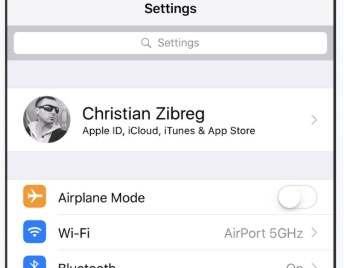
Go to iCloud Settings
It will show up as your name, or whatever you have set up your name as on your phone.
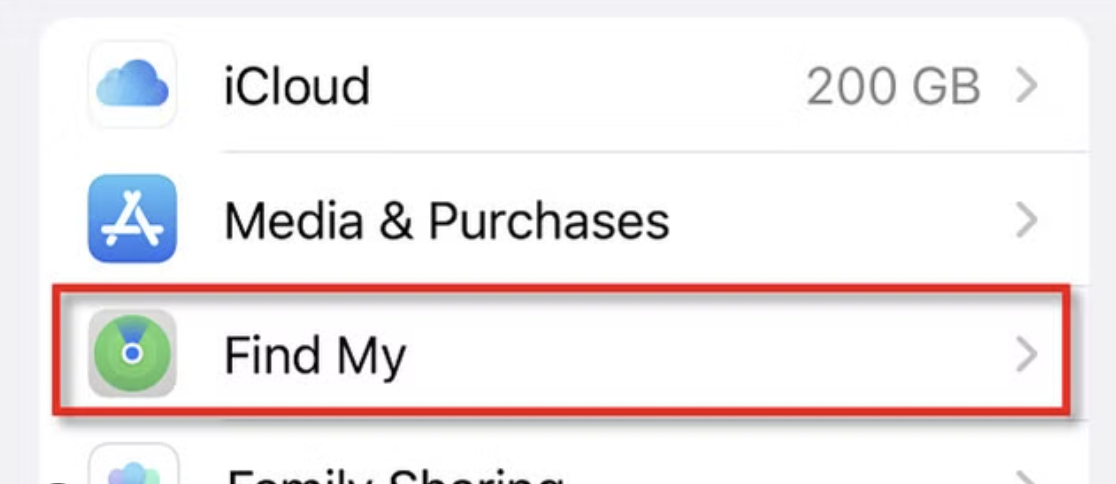
Select Find My
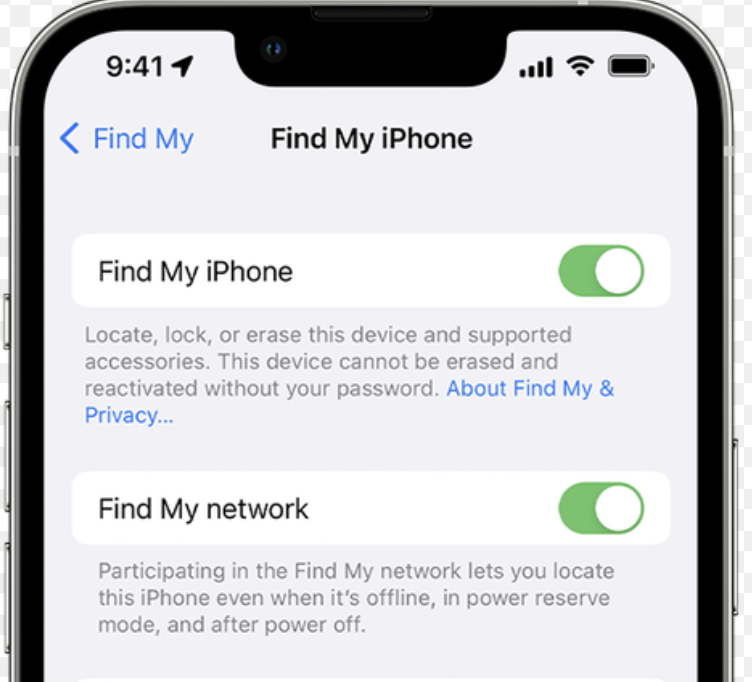
Turn off Find My
You will have to enter you Apple ID password to do this action. At this point, if Stolen Device Protection is on, you will be given the option to turn that off as well. If Find My turns off after entering your Apple ID, you are done!
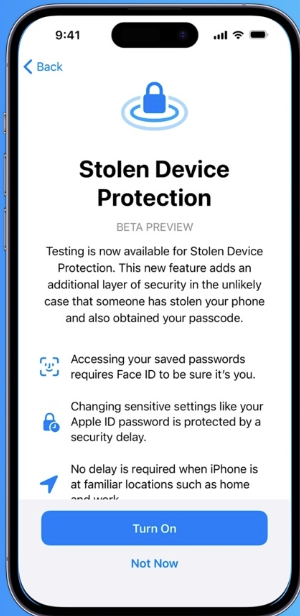
If Stolen Device Protect is on
If you're not in a "familiar location", there will be a one hour wait time. Doing this at home or work would be best to avoid this wait time.
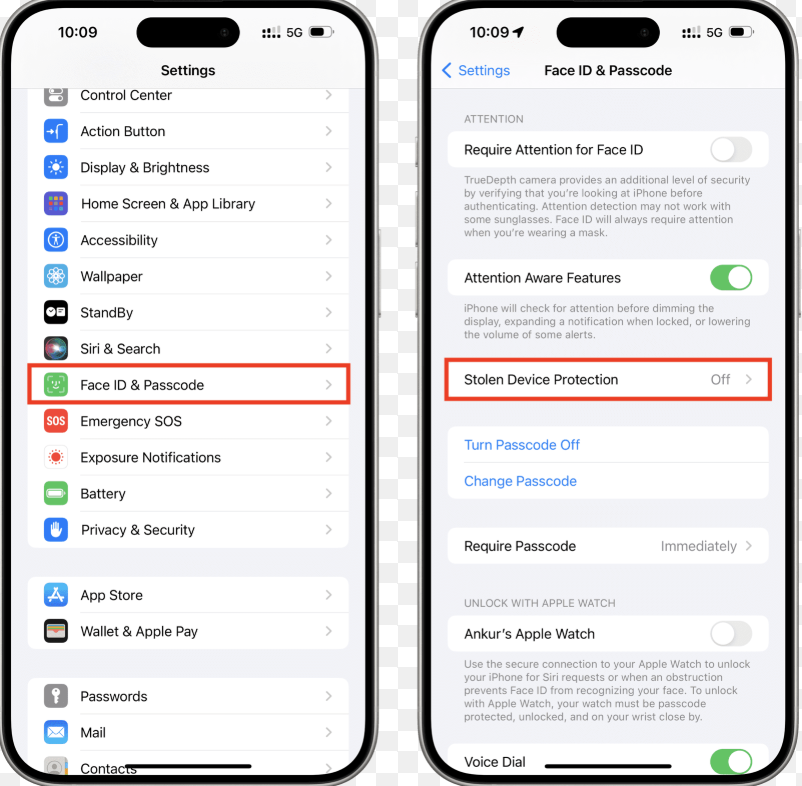
Turning Off Stolen Device Protection
Under Face ID and Passcode settings, you will have the option to turn off Stolen Device Protection. This will require the use of Face ID.